
Every visual,
from one key.
Create images and videos using multiple AI models, all through the same key. Start with a product photo you already have, or simply describe what you want. Use the right model for the job, without managing multiple accounts or API keys.
The case
The raw material was never the problem. Turning it was.
Video is the format. Shooting it is the bottleneck.
Video has become a major part of how products are presented and discovered online. But producing it at scale still takes a studio, a crew, a model, and time. For a large catalogue, the cost and turnaround quickly add up. So most sellers fall back on what they already have: a product photo. The challenge is turning that existing content into more.
Where it fits
One workflow. Content for every channel.
We built this workflow for our own work, from product close ups and 360 degree views to short form video and B roll. Use the content for live shopping, social media, ads, product pages, or wherever your customers see your brand.
Features
Five ways to make a visual. All on the same key, priced by what you actually generate.
Image to video
Shot once. Cut as many times as you need.
A catalogue becomes a content library.
Feed in the product photography you already paid for and get motion back: camera drift, changing light, a scene that breathes. Enough to stop a thumb. Priced per second of footage rather than per token, so the cost of a campaign is something you can work out before you commit to it.
Text to video
Not every frame in a campaign has to contain the thing you sell.
Footage for the shot you cannot stage.
Describe it and get it back. B roll, scene setting, a location you have no access to, an angle that would need a rig and a permit. Most useful when the product is not the subject and the mood around it is, which is the footage a small team never has time to shoot.
Text to image
Show the idea. Do not describe it.
See the idea before anything reaches a camera.
Campaign visuals, backgrounds and concept frames from a written brief. This is cheapest at the very start, while you are still deciding what the campaign looks like, because every version you can put on a screen is an argument you do not have to have in a meeting.

Image to image
Variants are for learning. Not for filling space.
One shot, restyled into a set.
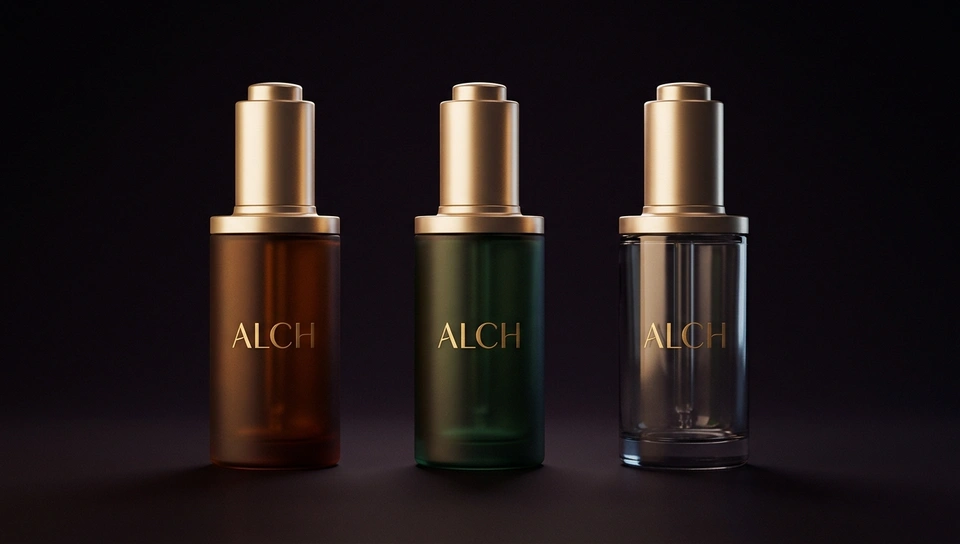
Recolour, restyle or reframe something you already have. A single product photo becomes the variants you need for testing, in the same light and the same session, so the only thing changing between them is the thing you are actually testing.
Upscale
The photograph was fine. The screen changed.
Rescue the back catalogue instead of reshooting it.
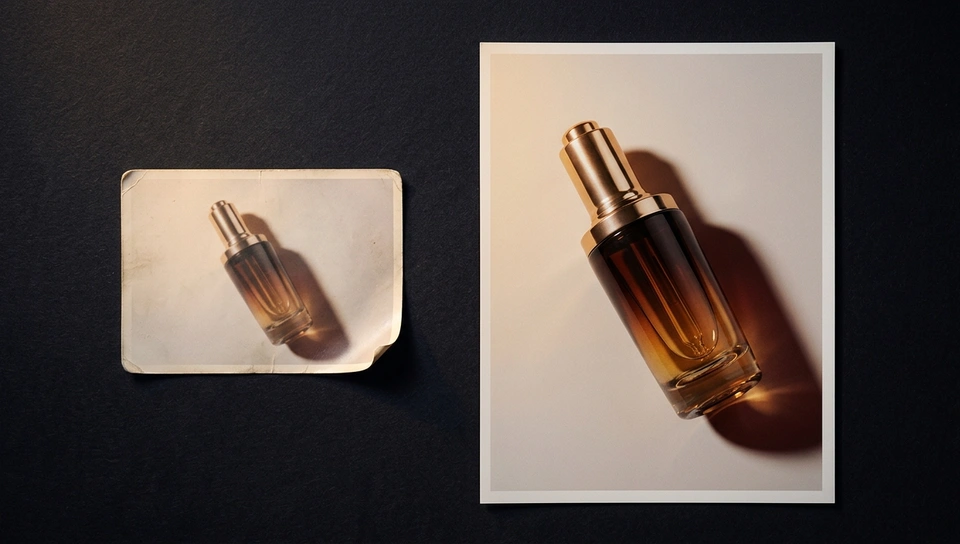
Product shots taken for a website that was 800 pixels wide do not hold on a phone today. Upscaling brings them back to a size that survives a full screen, which is usually cheaper and far faster than getting every product back in front of a camera.
Stills into motion. A simple idea, done at scale.
Tell us what you sell. We'll show you what to automate first.
Monday to Friday, 9:30am to 6:00pm